Local LLMs Without the Cloud: Integrating Ollama into a Tauri Desktop Workflow
A practical guide to building native desktop developer tools that run 100% offline and keep your data private.
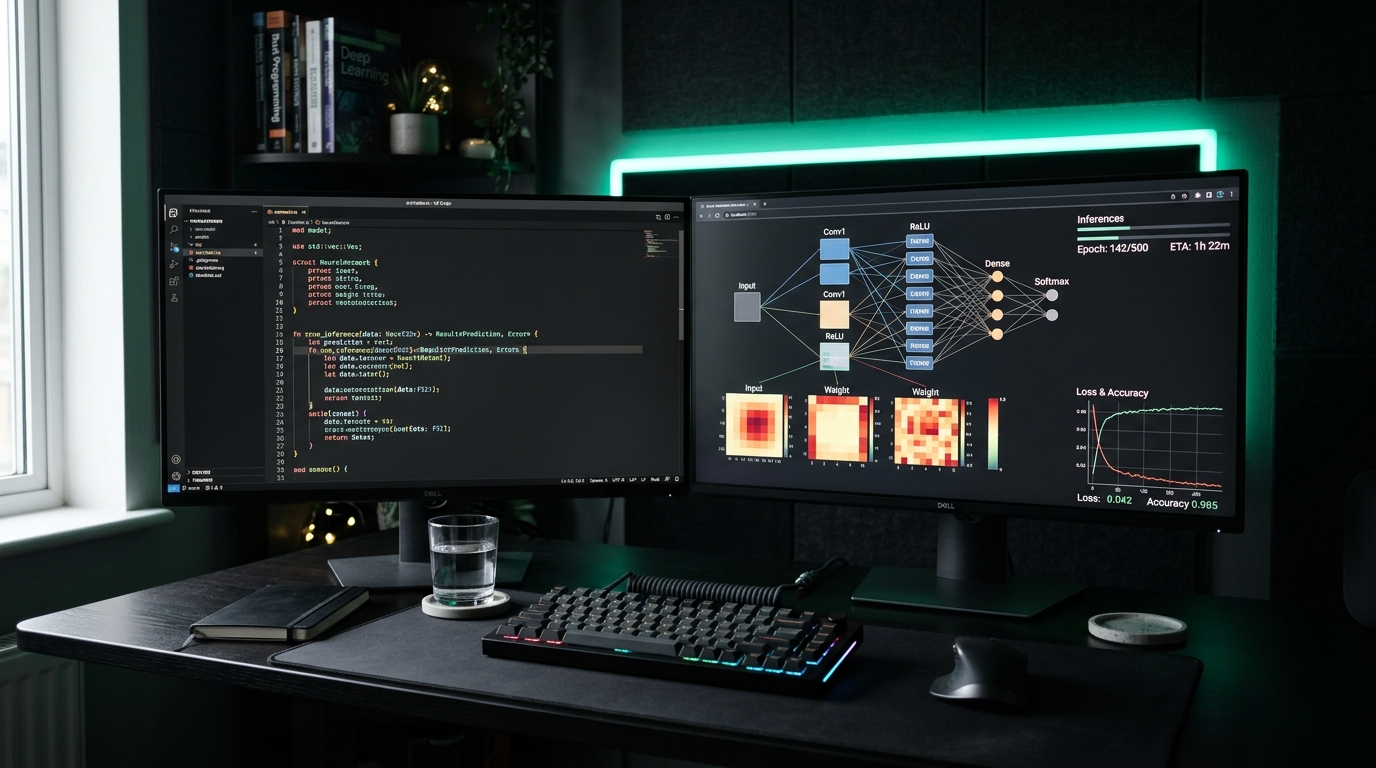
A practical guide to building native desktop developer tools that run 100% offline and keep your data private.
Privacy and independence from cloud API subscriptions are the cornerstone of every project we build at AI-Software.
In this article, I walk through the architecture of our native tools, which combine a lightweight Tauri (Rust) front end with a local Ollama or llama.cpp daemon.
⚡ Key takeaways:
- 🔒 Code confidentiality: no prompt, log or code snippet ever leaves your local NVMe drive.
- 💰 No per-token billing: Llama 3, Qwen 2.5 and Mistral models run at full GPU speed on consumer cards with 8–16 GB of VRAM.
- ✈️ Offline operation: reliable work on planes, on trains and in air-gapped industrial networks.
1. Recommended local models: VRAM vs quality
Here is a cheat sheet of the models that work best for day-to-day development:
| Model | Quantization | Required VRAM | Best use case |
|---|---|---|---|
| Qwen 2.5 Coder 7B | Q4_K_M | 5.2 GB | Generating and refactoring Rust/TypeScript code |
| Llama 3.2 3B Instruct | Q8_0 | 3.8 GB | Fast summaries, JSON formatting |
| Mistral NeMo 12B | Q4_K_M | 8.4 GB | Advanced reasoning and documentation |
| DeepSeek Coder V2 Lite | Q5_K_M | 11.2 GB | Complex architectural and algorithmic tasks |
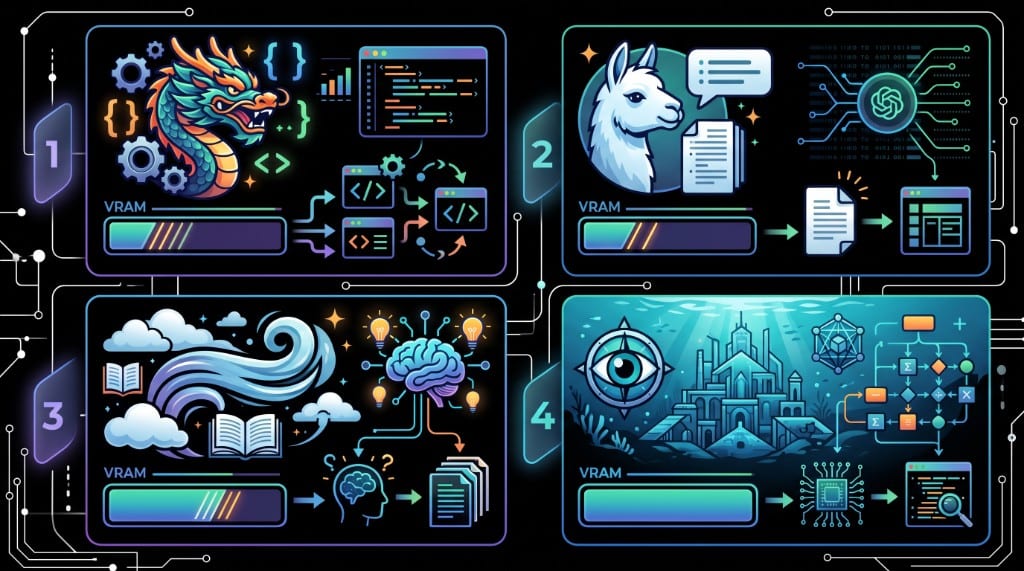
A local LLM integrated into a desktop user interface
2. Streaming tokens with Tauri events (emit/listen)
The Rust backend asynchronously (Tokio) reads the token stream from Ollama and publishes each token immediately as a Tauri event (emit). The React component subscribes to that event with listen from @tauri-apps/api/event, so the text appears in the UI in real time:
// Receive the token stream from the Ollama daemon and forward it to the UI as Tauri events
let mut stream = client.generate_stream(request).await?;
while let Some(res) = stream.next().await {
    let token = res?.response;
    app_handle.emit("llm-token", token)?;
}
Developer workstation with real-time AI token streaming
More ready-to-use integration scripts are available in our Scripts Library.
3. Workstation requirements
There is no separate “Ollama + Tauri” product — this is a pattern I use across our desktop tools (including the optional local VLM in the video sorter).
| Component | Practical minimum |
|---|---|
| Runtime | Ollama or llama.cpp on localhost |
| VRAM | Match the quantization from the table in section 1 to your GPU |
| Network | Bind the daemon to localhost; never expose it on a public interface |
| UI | Tauri 2.x plus Tauri events (emit in Rust, listen in React) — see the sketch above |
4. How to put it together
- Install Ollama and pull one model from the table (start with 3B or 7B, not 12B).
- Check that
localhost:11434responds from a terminal before you wire up the UI. - In Tauri, stream tokens through the Rust backend and Tauri events, not through a browser
fetchto a cloud API. - Keep prompts and logs on disk — no “diagnostic” telemetry.
Helper scripts: Scripts Library. Tool page with an optional local VLM: VideoSorterLocal.