VideoSorterLocal 4.13.2 Released: A Private Video Organizer with Local AI Analysis (PySide6 and Ollama)
A local video organizer with a PySide6 dark theme, frame OCR, Ollama/LM Studio integration and one-click undo.
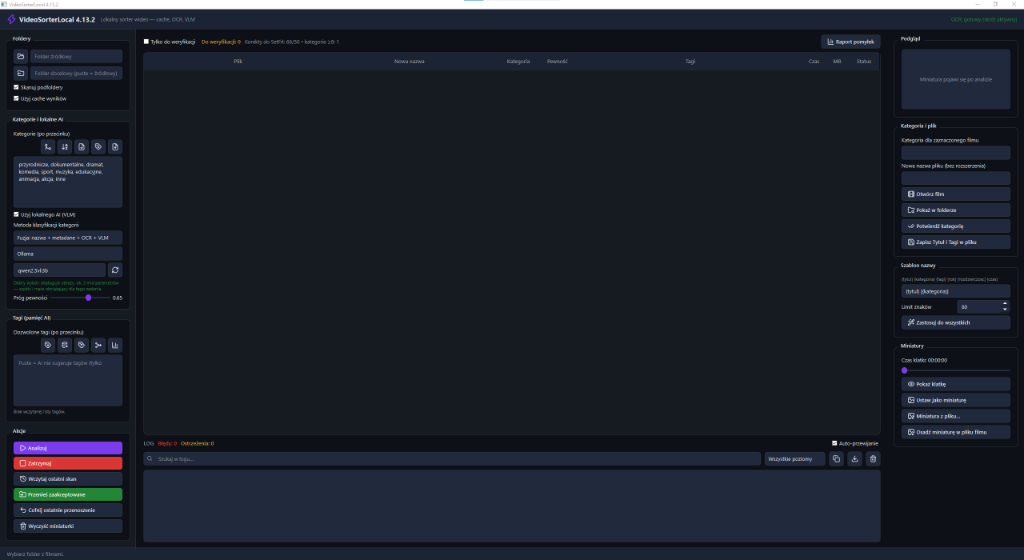
A local video organizer with a PySide6 dark theme, frame-based OCR, Ollama/LM Studio integration and instant one-click undo.
The new VideoSorterLocal 4.13.2 release tackles a growing problem: managing thousands of unsorted video files, action-camera clips and archival footage.
The software runs entirely offline. It analyzes the folder you choose by inspecting container metadata (codec, resolution, bitrate), reading keyframes with built-in OCR and, optionally, using a local vision-language model (VLM) running in Ollama or LM Studio.
⚡ Key takeaways:
- 📂 Precise category fusion engine: the model assigns videos only to existing folders, which rules out hallucinated categories.
- ⏱️ One-click undo: every move and rename can be reversed instantly thanks to a transactional journal.
- 🛡️ 100% private: no thumbnails or metadata are ever sent to the cloud.
1. Multimodal offline video analysis
Before assigning a file to a folder, the sorter combines three independent sources of information:
| Analysis layer | Technology | Extracted information |
|---|---|---|
| 1. Container metadata | MediaInfo / FFprobe | Recording date and time, camera model, GPS, resolution |
| 2. Frame OCR | Tesseract OCR + OpenCV | On-screen text, dates, signs, logos |
| 3. Vision model (VLM) | Ollama / LLaVA / MiniCPM-V | Scene context: landscape, sports, documents, conference |
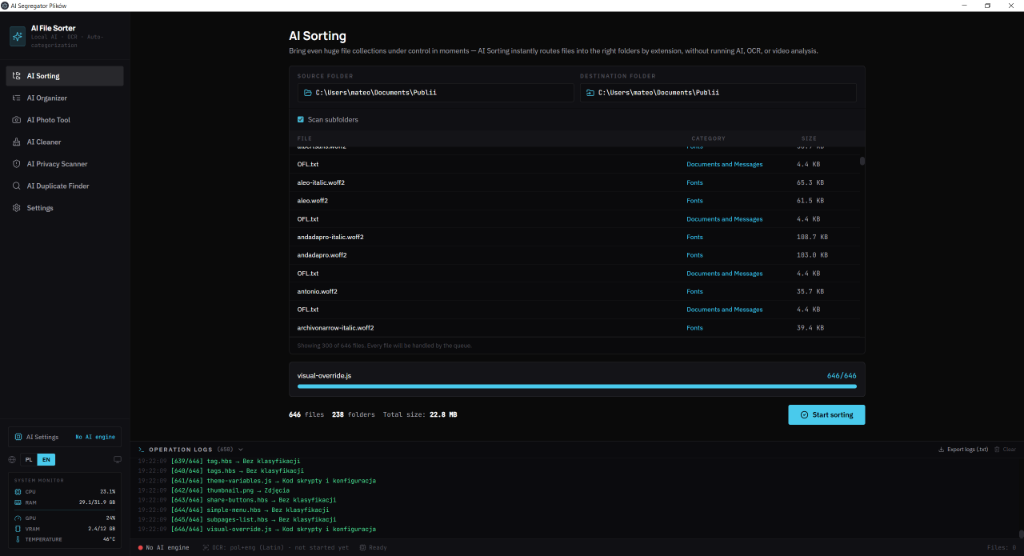
Automatic categorization and scene recognition in VideoSorterLocal
2. Transactional operations journal and one-click undo
Every rename and every move into a subfolder is recorded in a local SQLite database. If something goes wrong, just click Undo (Ctrl+Z) and all files return to their original paths — with no risk of data loss.
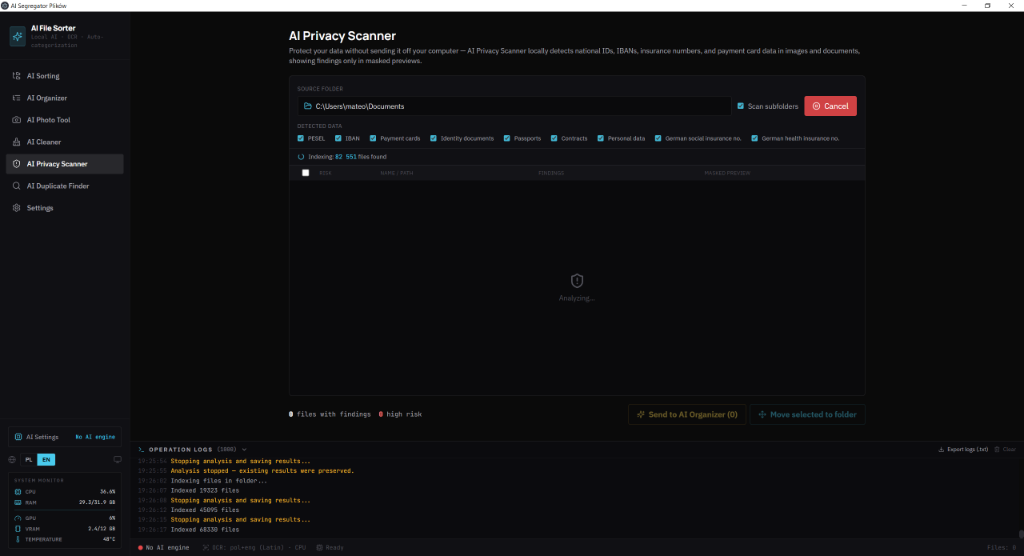
SQLite operations journal and one-click undo
3. System requirements (from the product page)
| Resource | Minimum | Notes |
|---|---|---|
| OS | Windows 10/11 64-bit, Linux or macOS | The Windows installer is about 68 MB |
| CPU | 4 cores (i5 / Ryzen 5) or Apple Silicon | Frame OCR loads the CPU regardless of the GPU |
| RAM | 8 GB (16 GB with a local VLM and BGE-M3) | Metadata and OCR alone run fine on 8 GB |
| GPU | Optional — a GPU for the VLM (Ollama / LM Studio) | Without a GPU, CPU mode is available |
| Disk space | 500 MB plus models if you enable the VLM | Your videos stay in your own folders |
4. Workflow
- Select the source folder and your existing category folders (the engine does not invent new folder names).
- Enable the analysis layers: metadata, OCR and, optionally, a local VLM.
- Review the proposed moves, then commit the batch.
- If something went wrong, use Undo (SQLite journal) before deleting any backups.
Limitations: OCR quality depends on frame sharpness; the VLM requires Ollama or LM Studio running locally. Product page: VideoSorterLocal 4.13.2.
Version 4.13.2 uses a PySide6 interface; a Tauri 2 version is in progress.