Video2X Ultimate Manager v1.0 Released: 92+ Offline AI Models, Vulkan/CUDA Acceleration and a RAM Disk Buffer
A new flagship desktop suite for video upscaling and frame interpolation (60–240 FPS) with 92+ offline models, zero telemetry and SSD protection via an in-memory frame buffer.
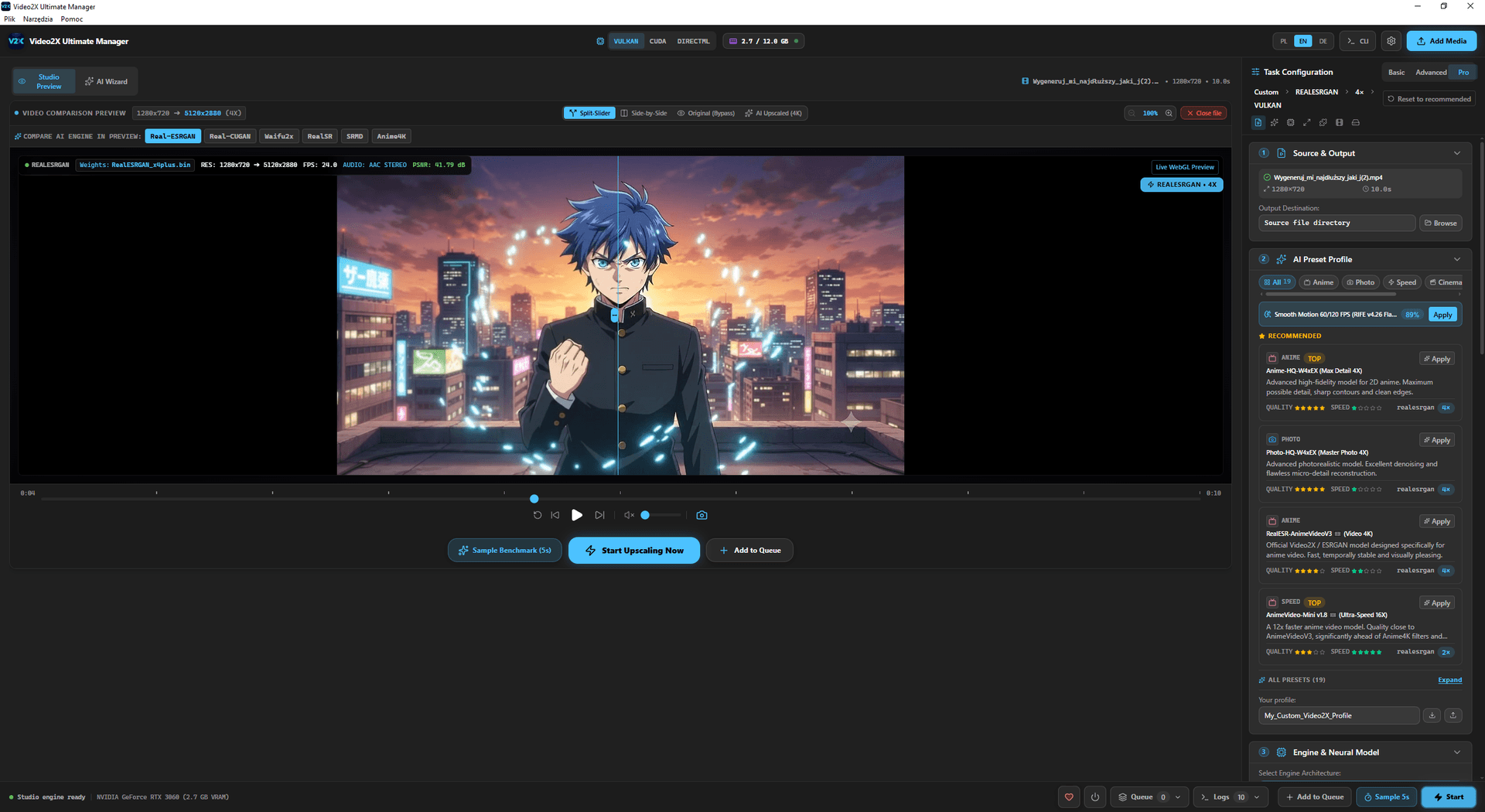
A new flagship desktop suite for video upscaling and frame interpolation (60–240 FPS) with 92+ offline models, zero telemetry and SSD protection via an in-memory frame buffer.
I’m delighted to announce the first release of Video2X Ultimate Manager v1.0 — an advanced desktop suite built on a modern Tauri 2.x and Rust stack, designed for uncompromising privacy and maximum GPU performance.
⚡ Key takeaways:
- 🧠 92+ offline neural network models: pre-bundled Real-ESRGAN, Real-CUGAN, Anime4K and RIFE 4.26 weights — no cloud subscriptions.
- 🛡️ SSD protection (Zero-Wear RAM Disk): frames are processed in a RAM buffer at over 5,400 MB/s.
- ⏱️ 60–240 FPS frame interpolation: smooth optical flow with hardware audio PTS sync.
1. Integrated neural engines and model weights
The software offers the widest selection of optimized AI model weights on the market:
| Model family | Inference backend | Recommended use | Scale factor |
|---|---|---|---|
| Real-ESRGAN Plus | Vulkan / CUDA / NCNN | Live-action footage, VHS archives, face restoration | 2× / 4× |
| Real-CUGAN Pro | PyTorch / TensorRT | 2D animation, anime, comics, clean line art | 2× / 3× / 4× |
| RIFE v4.26 | CUDA / Vulkan | Frame interpolation to 60, 120 and 240 FPS | Optical flow |
| Anime4K v4.0 | HLSL / GLSL shaders | Instant real-time upscaling | 2× / 4× real-time |
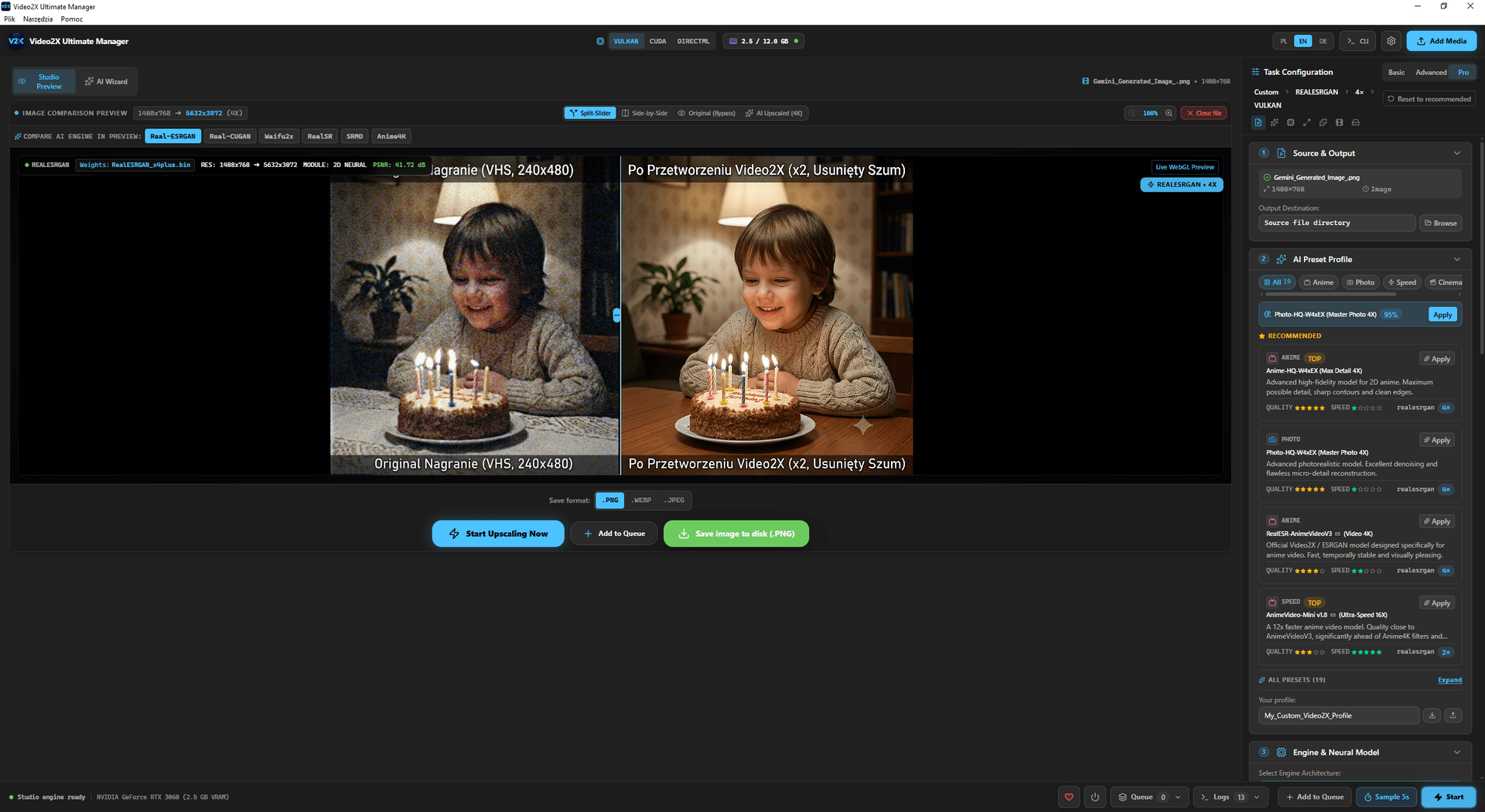
Catalog of 92+ offline models in the Video2X Ultimate Manager interface
2. RAM disk buffer (Zero-Wear Guarantee)
Traditional upscaling tools split an MP4 file into hundreds of thousands of individual PNG files on your SSD — writing up to 2–3 TB of data for a single film and drastically shortening the lifespan of the NAND cells.
Video2X Ultimate Manager solves this by keeping temporary frames in system memory: ImDisk on Windows, RAMDisk on macOS and RAMCache on Linux. This keeps SSD writes to a minimum:
- 🚀 Read/write speed: over 5,400 MB/s.
- 🛡️ SSD wear: exactly 0 bytes written while processing temporary frames.
- ⚡ Automatic OOM Guard: dynamically reduces tile size (512 → 256 → 128 px) when VRAM usage exceeds 90%.
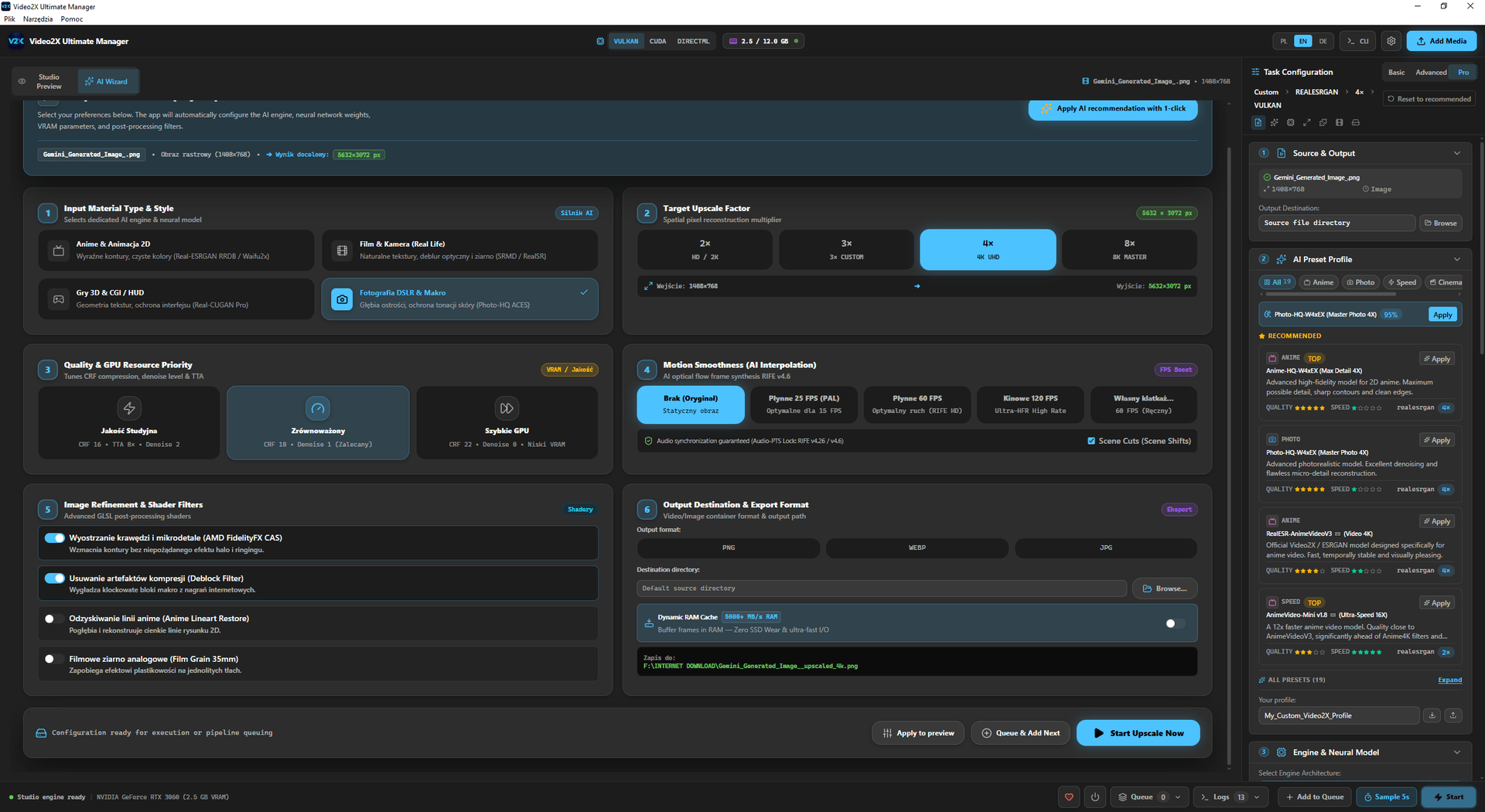
RAM disk buffer management and Vulkan/CUDA hardware acceleration in Video2X
3. Frame interpolation with audio sync protection (RIFE 4.26)
The new frame interpolation module provides:
- Scene cut detection: intelligent detection of editing cuts prevents “smearing” artifacts between scenes.
- Hardware Audio-PTS Lock: precise alignment of audio track timestamps — no audio drift, even at 240 FPS.
4. System requirements (from the product page)
This is not a cloud service. Once the bundle is installed, models and frames stay on your machine.
| Resource | Minimum (product page) | Practical note |
|---|---|---|
| OS | Windows 10/11 64-bit, macOS or Linux | The installer download is about 1.8 GB (about 1.2 GB once installed) |
| GPU | NVIDIA (CUDA) or a Vulkan-capable card (AMD / Intel Arc) | Without a compatible GPU, you fall back to the slower CPU/NCNN mode |
| RAM | 16 GB (32 GB recommended for 4K with the RAM buffer) | The RAM buffer only helps if you actually have memory to spare |
| Disk space | About 1.2 GB for the app + 4 GB for engines and model weights + working space | Engines and models can be downloaded as a complete bundle with the app or separately; the output file is saved wherever you set the export path |
5. Workflow
- Select a source file and an export folder.
- Choose a model family that suits the material (live action, animation or interpolation).
- Render a short preview before processing the whole film.
- Export via the built-in FFmpeg — the file never leaves your workstation.
Limitations: output quality depends on the source (compression, noise, cuts). I don’t publish universal FPS figures “for every GPU” — measure them on your own hardware. One-time license: Video2X Ultimate Manager. When the file should stay on your workstation instead of going to the cloud: local upscaling vs cloud.